Class 6: Creative AI Video and Coded Design. "You can't generate a photo with code, but you can generate an image with a lot of depth."
Educator, Creative AI Academy
The class in brief
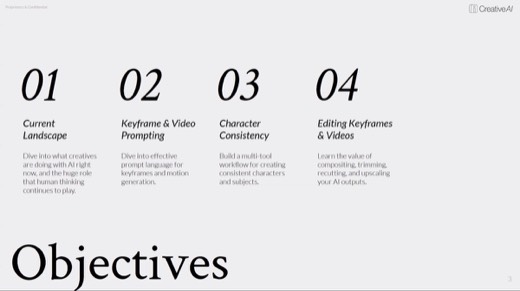
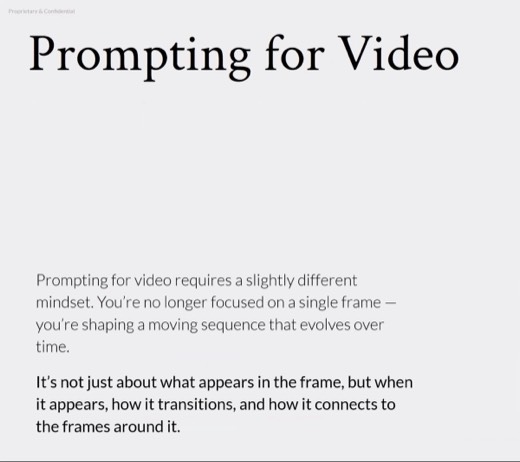
Sydney's third night moved from coded, structure-first visuals into full video craft. It covered keyframes as living stills, the six-part video prompt structure, and an audio-prompt companion. The night's biggest idea was character consistency, demonstrated start to finish on a single woodcut mouse named Baxter. The closing thesis was editing: AI output is a first draft, not a finish.
After this page you can write a video prompt in six deliberate slots. You can also build a character turnaround sheet before animating anything, and protect a flat illustration style from drifting toward realism mid-motion.
Structure over appearance
Why this matters · 6:25 PM
Describe the structure, not the finished look, and the result stays editable.
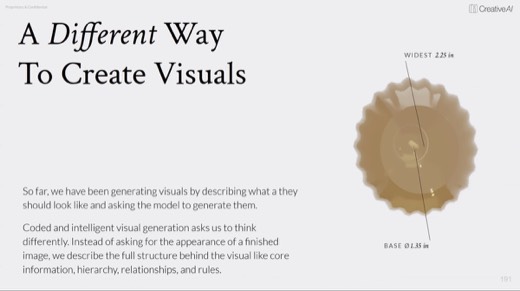
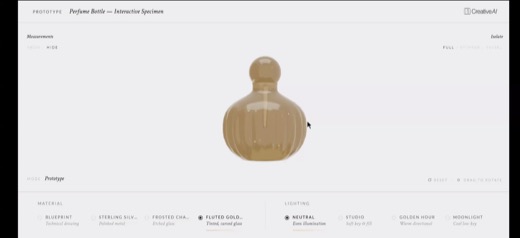
Coded generation flips the usual instinct. Instead of describing what a finished image looks like, you describe what is underneath it: the content, the structure, and the rules that generate it . The output stays in editable parts you can revise through conversation, unlike a flattened generated image .
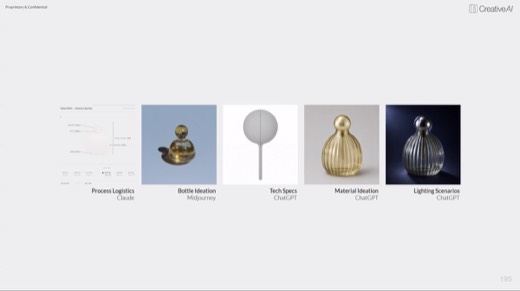
The demo was a fully interactive perfume bottle prototype, built by chaining Claude for process logistics, Midjourney for ideation, and ChatGPT for tech specs, material, and lighting. The result was one working browser demo you could rotate and relight. Sydney opened this segment with the line in the headline above.
Keyframes, not reference images
The craft · 6:53 PM
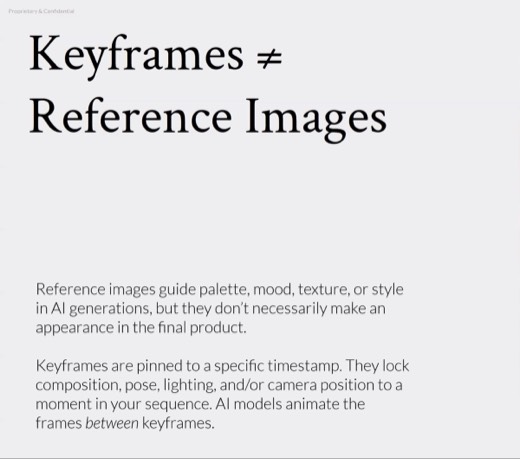
A keyframe is pinned to a timestamp. A reference just guides the mood.
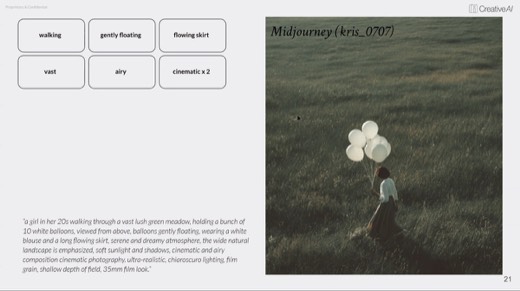
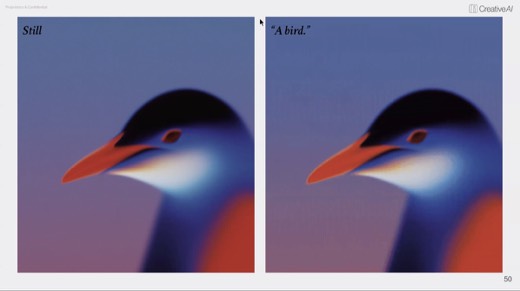
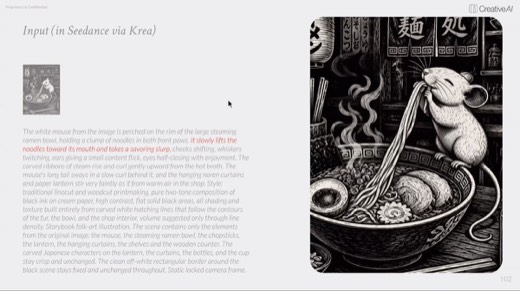
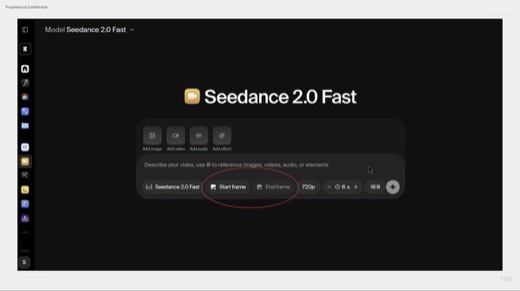
Keyframes are living stills: frozen moments that still carry motion potential, and they can start, continue, or resolve a sequence . A reference guides palette and mood and may never appear in the final output. A keyframe is pinned and locks composition, pose, and camera before the AI animates between two of them .
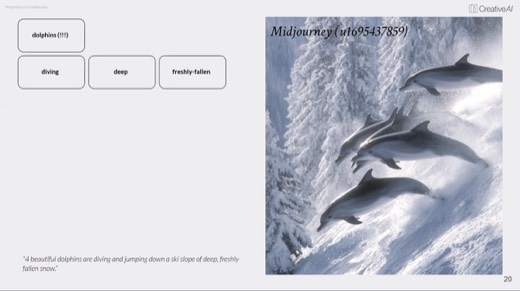
Prompting for keyframes runs on three principles: create with intention, consider what happens before and after the frame, and verbs matter . Load the still with elements whose physics imply movement, helium balloons, powdery snow, a walking gait, so the video has somewhere to go.
The framework · 7:05 PM
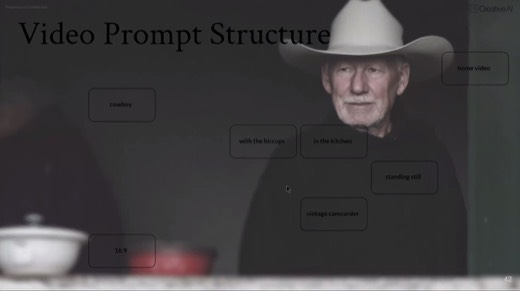
The video prompt structure
Formatwhat kind of visual
A TikTok video, an establishing shot, a timelapse, a Go-Pro clip, expired film. Sets the frame everything else lives in.
Subjectthe hero
A cowboy, a candle, a carousel, a carnival, a puppy, an apple tree. Whoever or whatever the video is about.
Detailswhat's happening
Floating in space, at the lake, in the kitchen. The scene around the subject.
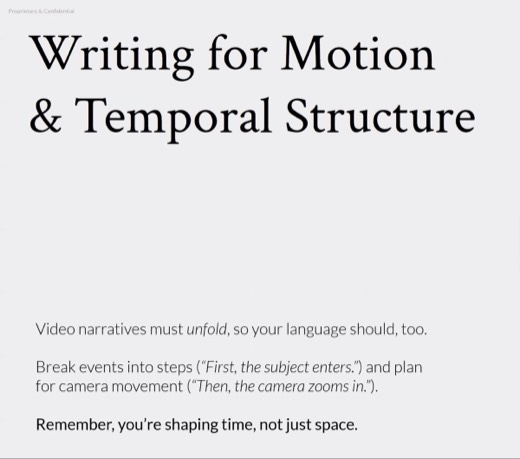
Motionwhat moves, what the camera does
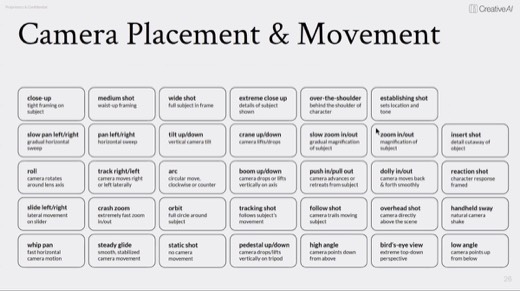
Flickering, dolly in, Dutch tilt, crash zoom, dancing. Say "static camera" explicitly if you want none.
Stylethe vibe, colors, textures, feelings
Dark and moody, high key, film noir, vintage camcorder. Same slot as the image framework's style row.
Parameterswhat else to establish
16:9, 4k, low motion, 24 fps, 1:1, loop. The technical spec the model needs to hit.
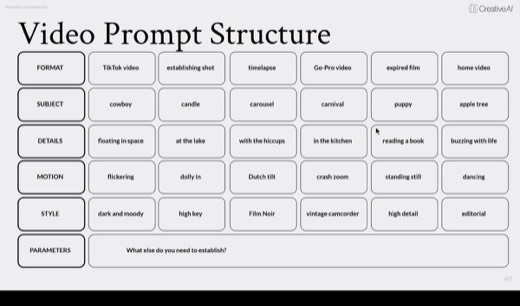
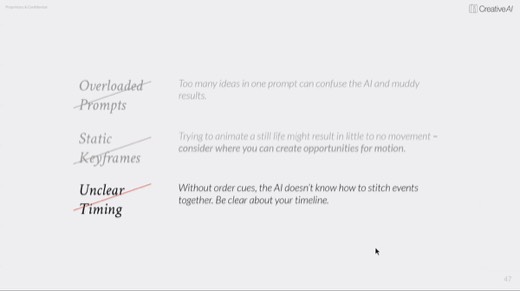
Three pitfalls got named right after the framework.
- Overloaded prompts confuse the AI with too many ideas at once .
- Static keyframes yield almost no movement to animate .
- Unclear timing leaves the AI unable to stitch events in order.
Character consistency, live
The craft · 8:09 PM
Models hold WHO better than HOW.
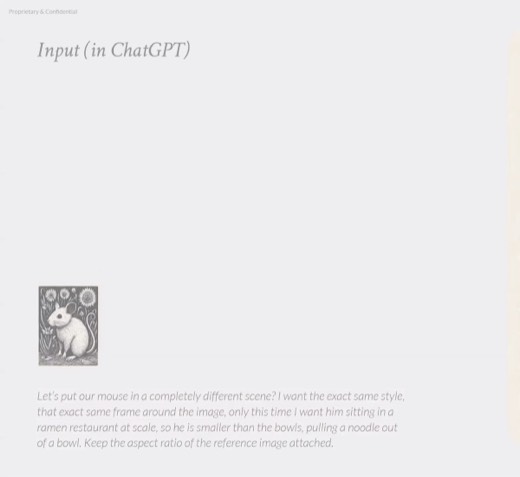
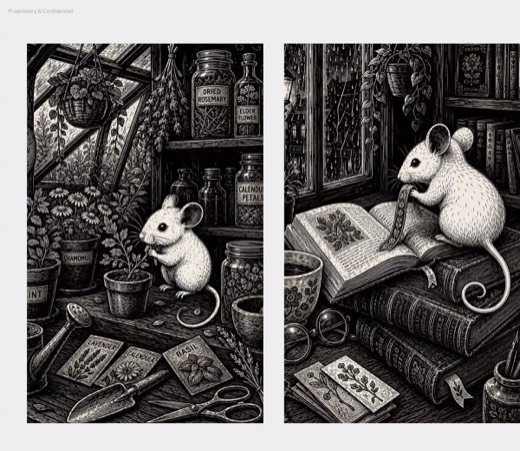
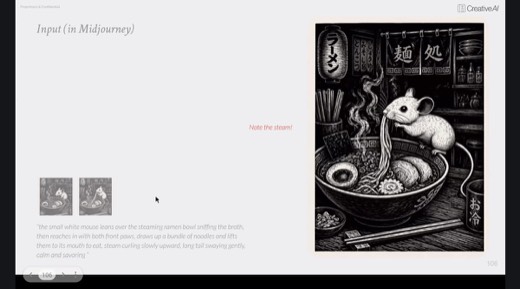
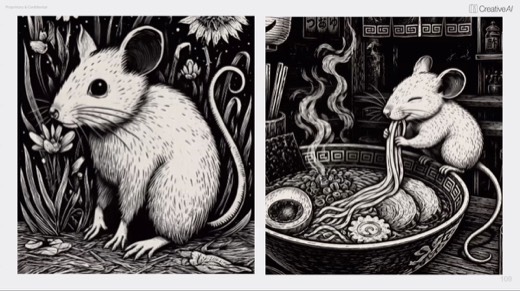
Character consistency was the night's biggest idea, demonstrated live on a woodcut mouse named Baxter, chained through four tools.
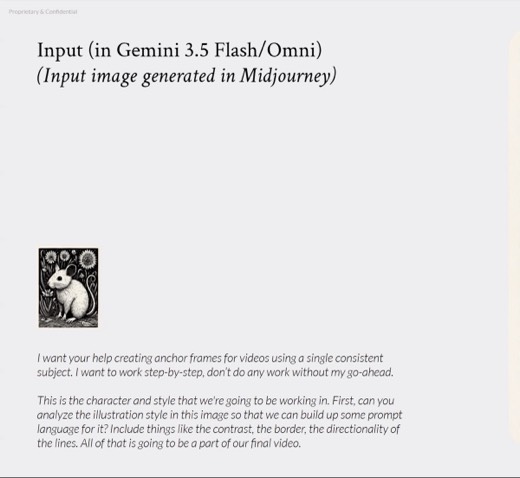
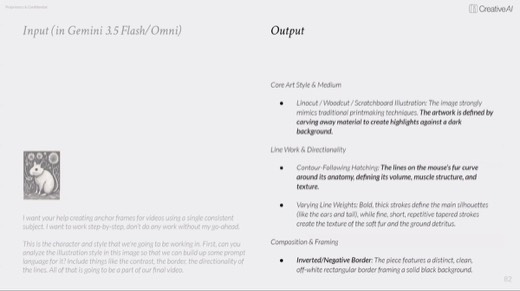
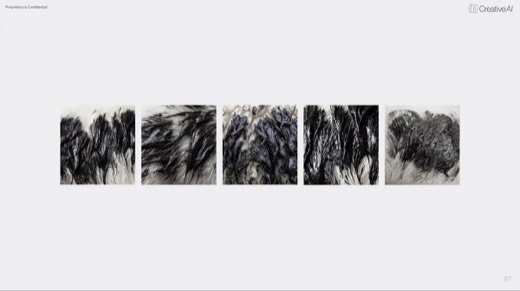
- Gemini analyzed the illustration style from an early Midjourney design to bank reusable prompt language .
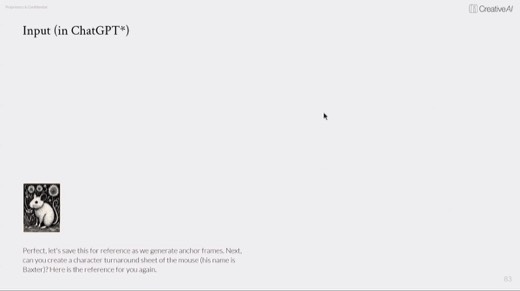
- ChatGPT built the character turnaround sheet, front, side, and back, as the master reference .
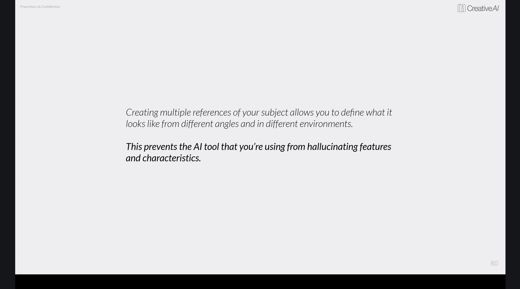
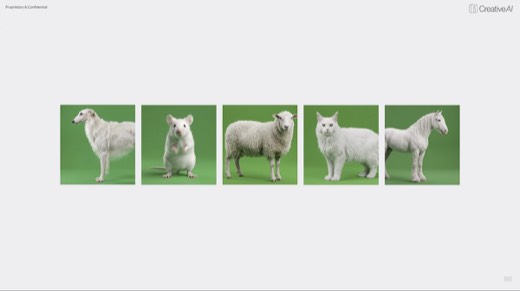
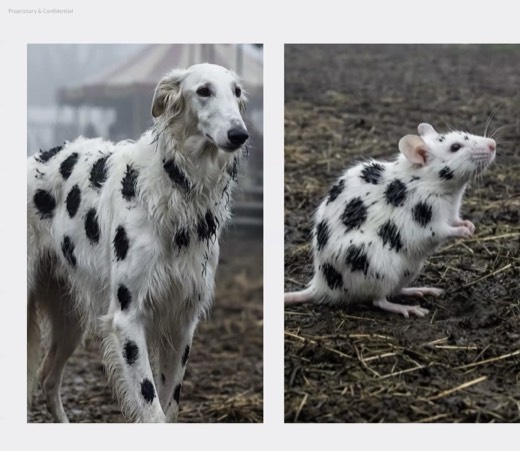
- Five white reference animals were shot the same way up front, so the model could not invent features later . Then references were combined to test what carried over .
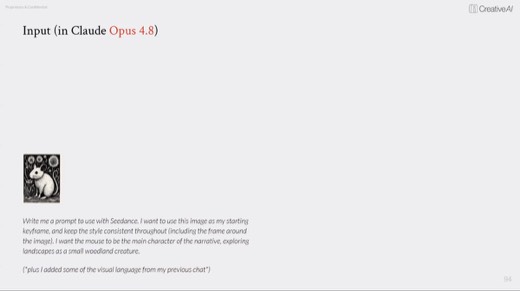
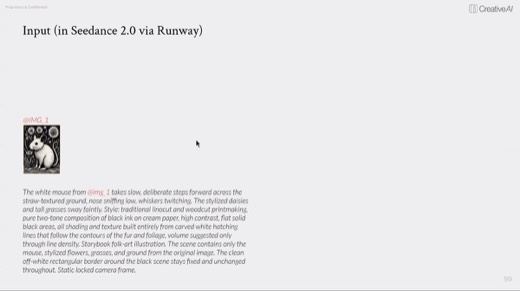
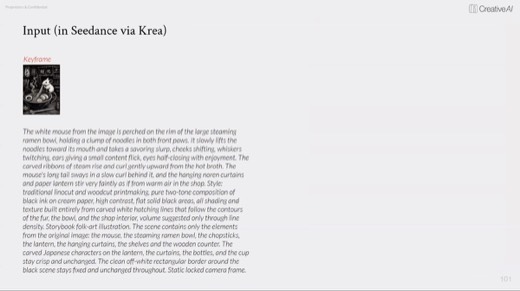
- Claude was handed the mouse keyframe and asked to write a prompt formatted for Seedance, a video-generation model, using its own formula: subject, action, environment, camera, lighting, style .
The exercise · 8:24 PM
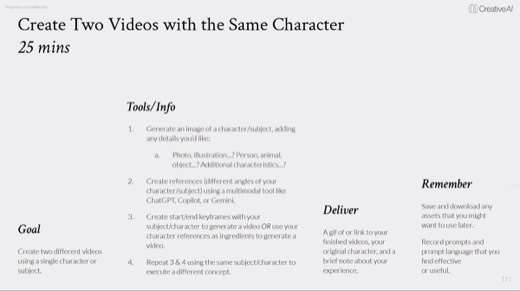
Keeping the same character across two videos
25 minutes: lock a character, then animate it into two different scenes.
Build your reference set in ChatGPT, Copilot, or Gemini first, then generate the two clips .
Deliver a gif or a link, plus notes on what held and what drifted between the two scenes.
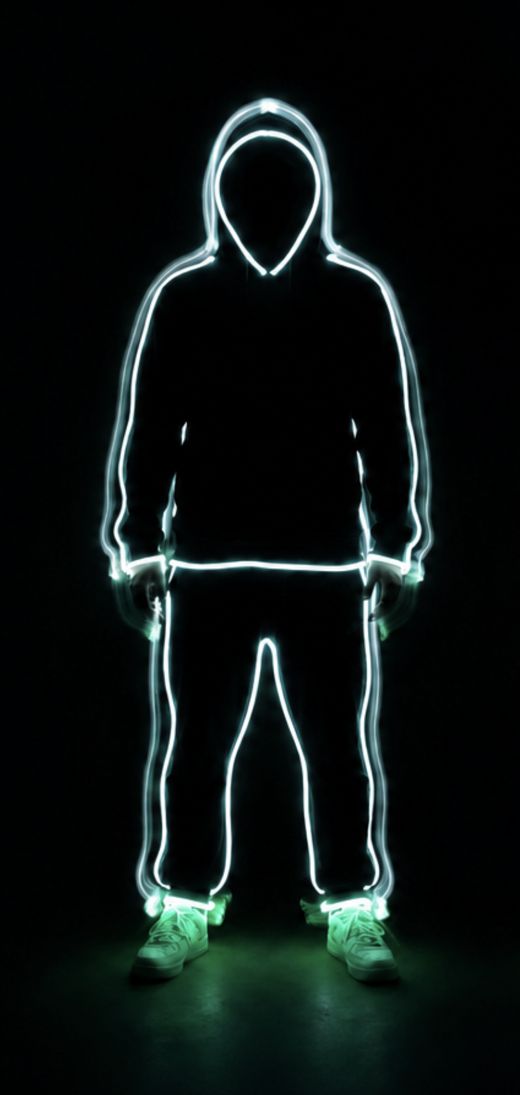
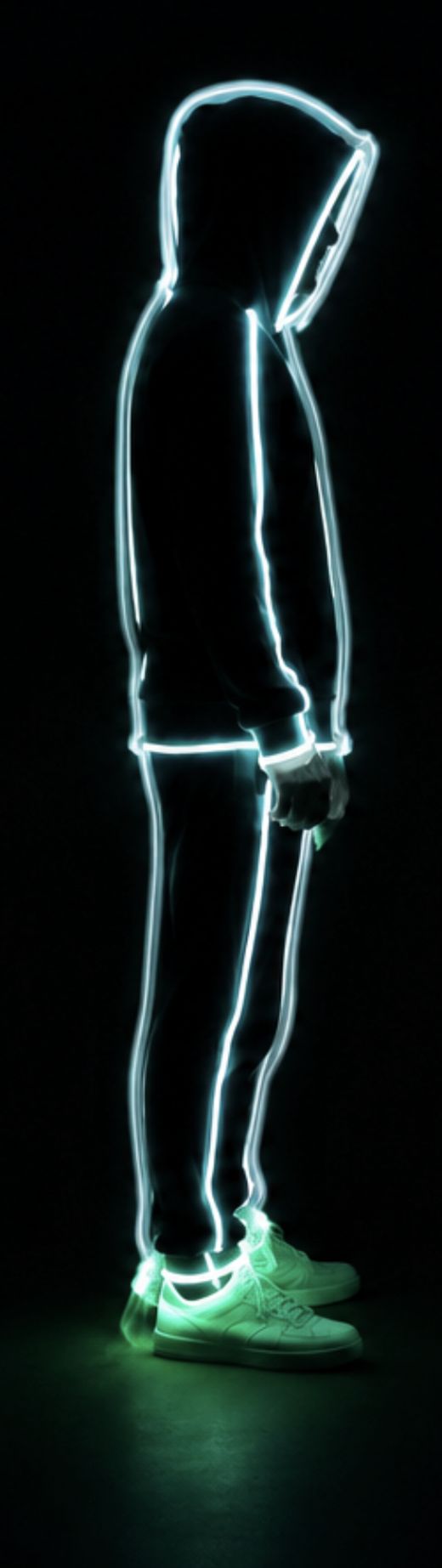
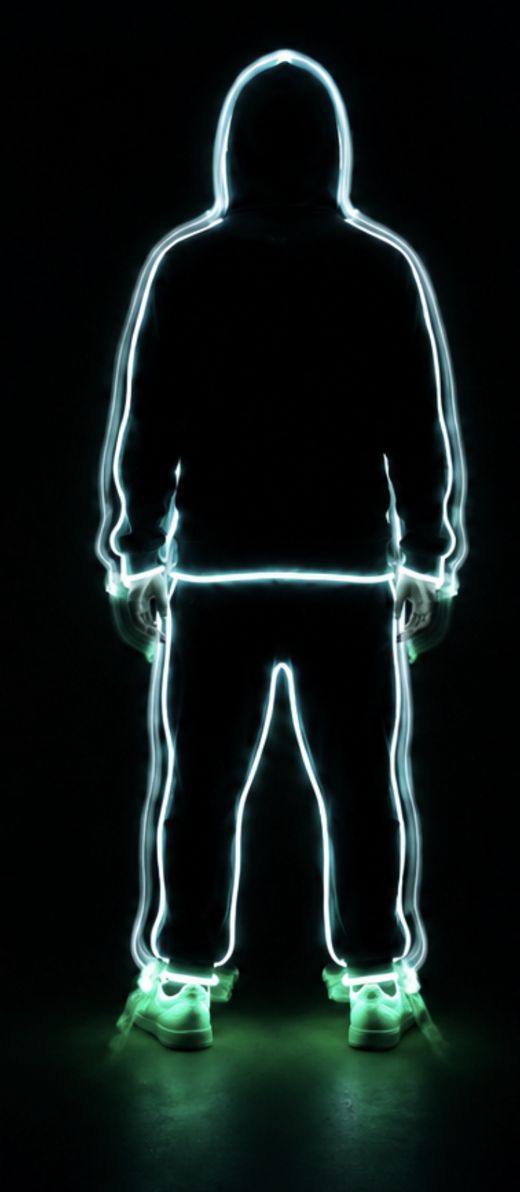
The exercise result, side by side
The same glowing hoodie figure carries across both scenes. Watch what the reference set holds onto, the identity, and what drifts anyway, the exact rendering style, which is the exercise's real lesson.
The audio prompt structure
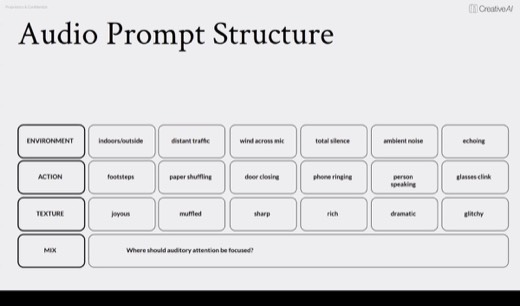
The audio prompt uses four fields in the same order as the visual framework .
- The first field is environment.
- The second field is Action.
- The third field is texture.
- The fourth field is mix.
Three habits sit on top of the fields.
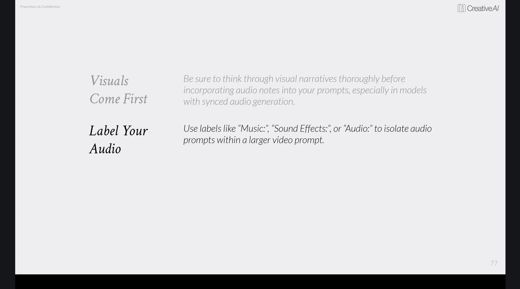
- Visuals come first.
- Label your audio, using tags such as "Music:" or "Sound Effects:".
- Put spoken dialogue in quotes.
Editing is the real craft
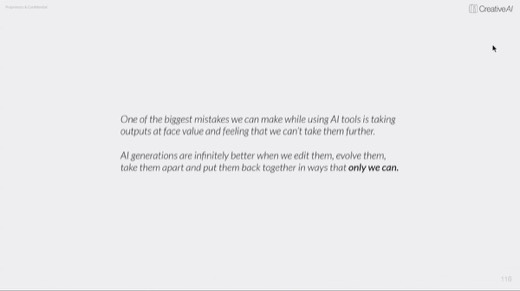
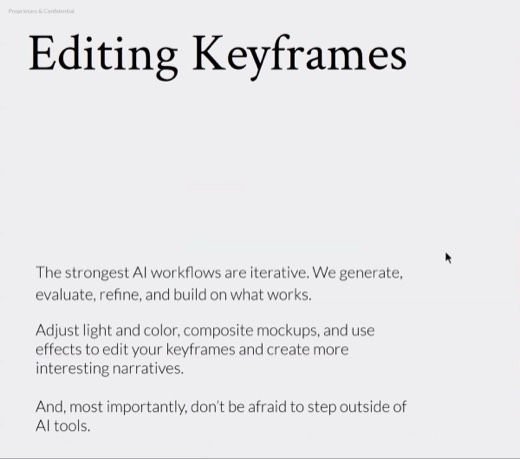
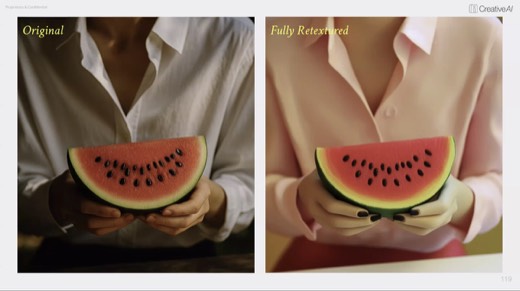
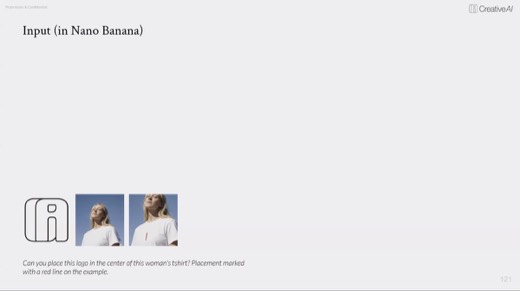
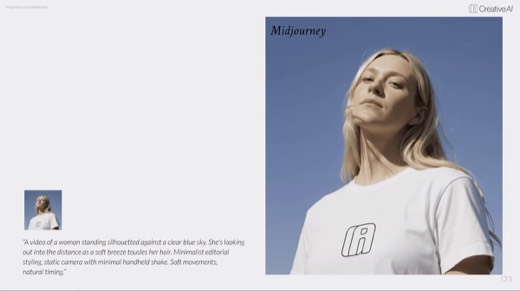
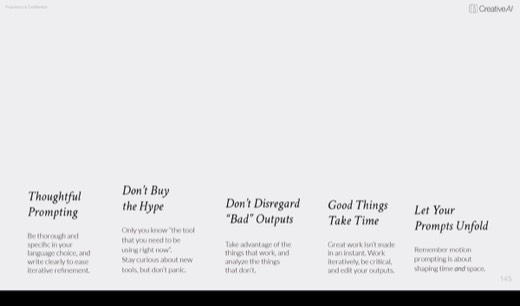
"AI generations are infinitely better when we edit them, take them apart, and put them back together in ways only we as humans can." This was demonstrated two ways: a full retexture turning a photo into a stylized doll , and a logo composited onto a shirt, then animated .
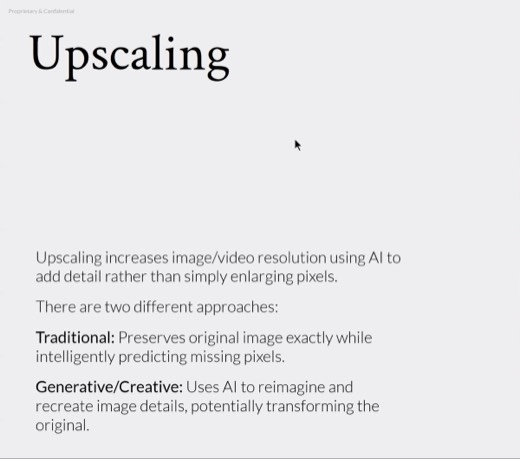
Two ways to upscale
Traditional upscaling preserves and predicts pixels; generative upscaling reimagines detail that was never there . Sydney's own pick is Topaz, which now lives inside Photoshop too.
Methods and prompts
Five methods to take with you
Write it as Format, then Subject, Details, Motion, Style and Parameters
The video companion to the image and text frameworks. Motion is the new slot: name what moves and what the camera does, or say "static camera" if you want neither.
Working prompt
Format: [TikTok video, establishing shot, timelapse]. Subject: [the hero]. Details: [what's happening around it]. Motion: [what moves, what the camera does, or "static camera"]. Style: [vibe, colors, textures]. Parameters: [aspect ratio, fps, loop].
You will know it worked whenthe output moves the way your Motion field described, or holds a static camera if that's what you specified, with nothing else drifting.
Build the turnaround sheet before you animate anything
Lock a character's front, side, and back as one master reference sheet before generating a single scene. Everything downstream points back to this one file.
Working prompt
Here's my character design [attach]. Analyze its style first: line weight, color, texture, era. Then build a full turnaround sheet, front, side, and back view, same style and proportions throughout. This becomes my master reference for every scene after this.
You will know it worked whenthe front, side, and back views hold the same line weight, color, and proportions as each other, not three slightly different characters.
Let one model write the prompt for another
Hand your keyframe and your goal to a smart model like Claude or ChatGPT, and let it write the render-model-specific prompt. Different video models want different formulas.
Working prompt
Here's my keyframe [attach] and what I want to happen next: [describe the action]. Write me a prompt formatted for [Seedance/Kling/Runway], following its formula: subject, action, environment, camera, lighting, style. Flag anything that risks breaking character consistency.
You will know it worked whenit names a specific risk to character consistency, not just a generic caution, before handing over the formatted prompt.
Structure the audio prompt separately
Environment, action, texture, mix. Visuals get designed first; the audio prompt describes what should support them, not lead them.
Working prompt
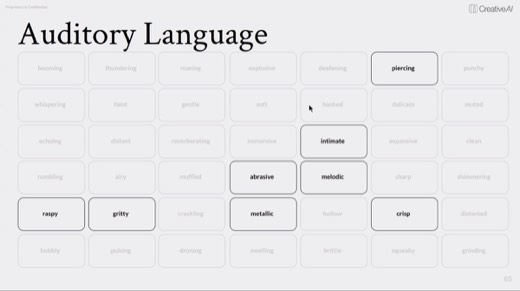
Environment: [ambient baseline]. What's making the sound: [footsteps, a door, wind]. Texture: [joyous, muffled, sharp, gritty]. Mix: [foreground or background, loud or subtle]. Music: [label it]. Dialogue: "[quote exactly what's spoken]."
You will know it worked whenthe generated audio matches what you specified in each field, especially the exact words in Dialogue rather than a paraphrase.
Diagnose the edit yourself first
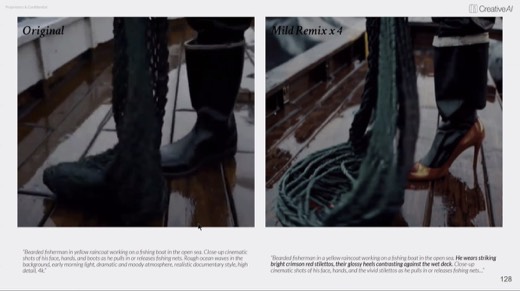
Before asking AI to fix a rough output, name what's actually wrong with it. The output is a first draft; your read on what needs editing is the part only you can supply.
Working prompt
Here's my raw output: [attach]. I answer first, then you check me. My read on what needs fixing: [color, composite, retexture, trim, pacing]. Tell me if I'm right, then help me execute it as an edit, not a full regeneration.
You will know it worked whenit confirms or corrects your read on what's broken, then executes a targeted edit instead of regenerating the whole piece from scratch.
Where it broke · all night
A flat illustration wants to become photographic the moment it moves
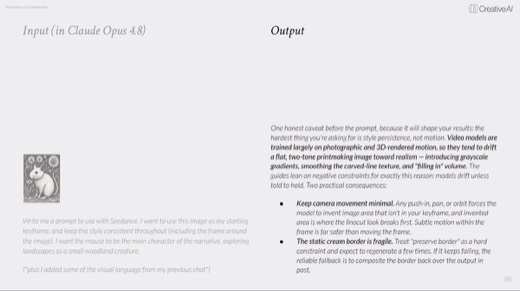
Claude's own Seedance prompt for the woodcut mouse came back with a caveat built into the output .
- Style persistence may drift.
- Keep camera movement minimal.
- The linocut border is fragile.
Video models are trained mostly on photographic and 3D motion, so a flat 2D style drifts toward realism as soon as it starts animating.
The fix is holding the camera static and pre-flighting the prompt in a smart model before you generate.
Sydney named the honest state of the medium plainly: "we're still in the six-finger era of video." That is the same early, glitchy stage AI images went through before the errors washed out.
Try this prompt
Quiz me on the video prompt structure and the character-consistency pipeline. Then give me an illustrated character and make me plan the reference set and the camera constraints before I generate a single frame.
You will know it worked whenit quizzes you on the video prompt structure and the character-consistency pipeline first. Then it makes you plan the reference set and camera constraints before you generate anything.
The shelf
Tools and references
Tools that night
- Video models named that night: Krea, Seedance and Seedance 2, Hailuo, Kling, Veo, Wan, and Runway (plus Aleph). Also named: Gemini (Omni) and Midjourney.
- Claude Opus 4.8 and ChatGPT for prompt-writing and layered output
- Topaz upscaler, inside Krea and now inside Photoshop
Named in the room
- Ancestra, Primordial Soup x Google DeepMind: the 3D-previz to Veo to live-action composite pipeline
- Baxter, Sydney's own demo character, a woodcut mouse built from a single reference set
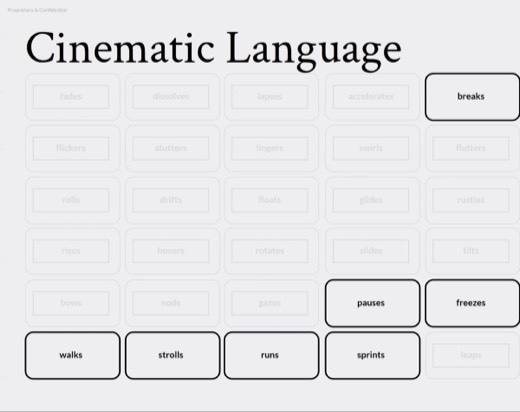
- The Miro board's cheat sheets: camera placement, focus and lens, cinematic language, the turnaround sheet card
Every frame from this class
59 captures, in order. Click any one to see it full size.